STEP 01
Capture a pet photo
Staff take a photo during the appointment, or the pet parent scans a QR code in the clinic and uploads their own.
While their pet is in the back, owners wonder: Is he okay? How did it go? When can I pick her up? Your team sends a photo and a short note in seconds, so worry turns into trust before they reach the front desk.
AI changes only the background. Your patient’s face, markings and shape stay exactly as they are.
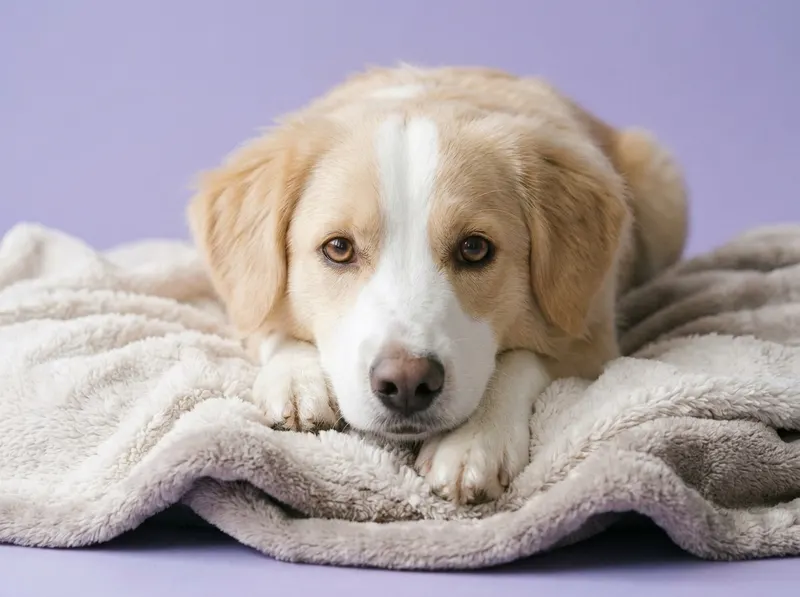 AI · Soft studio
A quick update answers the question before the phone rings, freeing up your front desk.
Send the photo as-is for a straightforward check-in, or an AI version with a calming background.
Updates go only to the owner on file. Nothing is posted publicly without their permission.
Staff take a photo during the appointment, or the pet parent scans a QR code in the clinic and uploads their own.
Pick a theme and add clinic branding while the AI keeps the pet unmistakably themselves. Or send a Pet Update with the real photo.
The pet parent gets a shareable image or report card, with easy buttons to post it and leave optional, honest feedback.
Clinic app
Client QR
Eleven ready-made themes, from first visits and dental days to seasonal portraits and the “I Was So Brave Today” award.
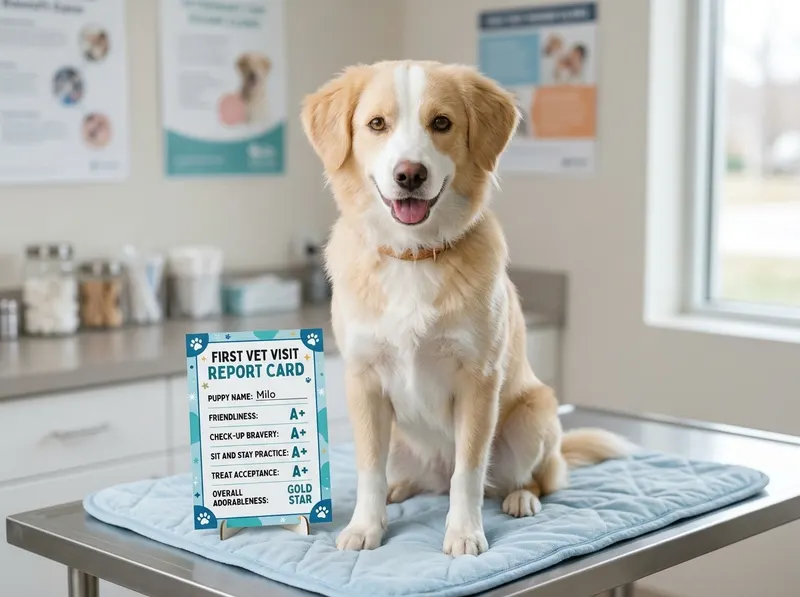
Commemorate a pet’s first visit with an A+ report card.
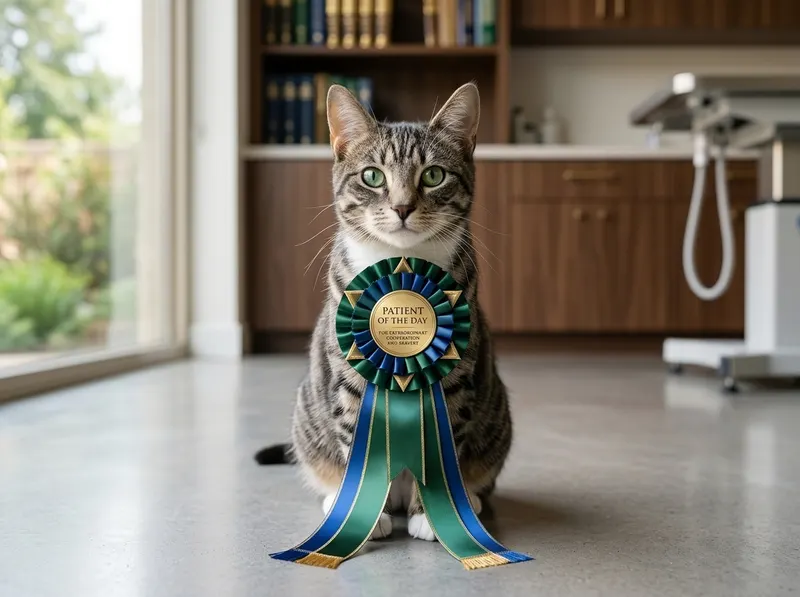
Feature a special patient, with permission.
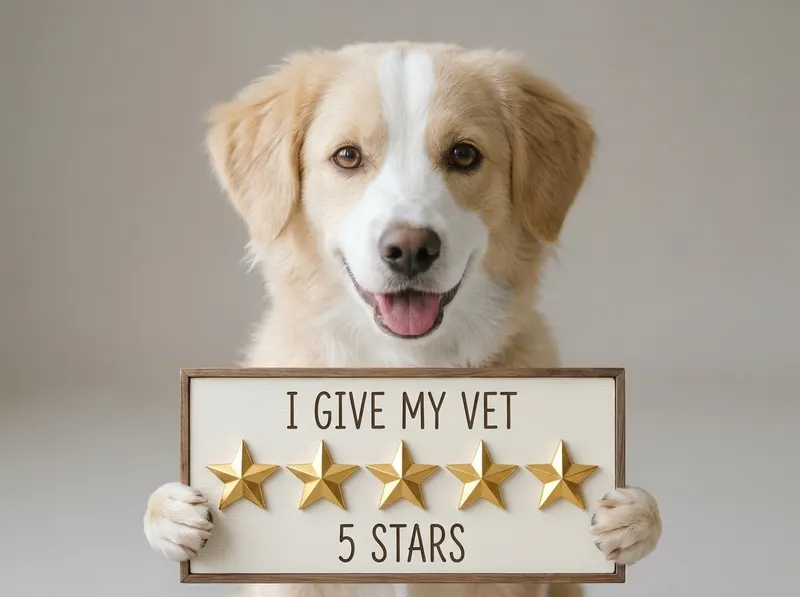
A playful five-star thank-you from the patient.
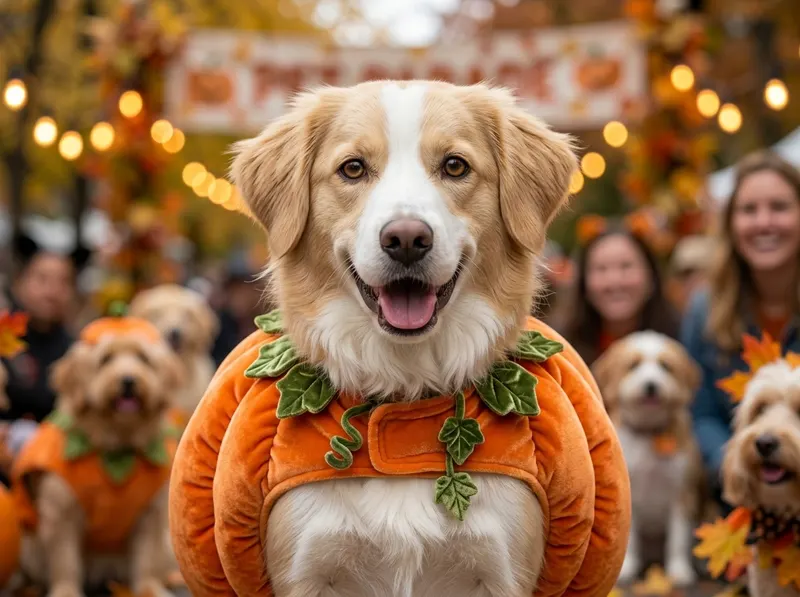
A pumpkin costume for your Halloween parade.
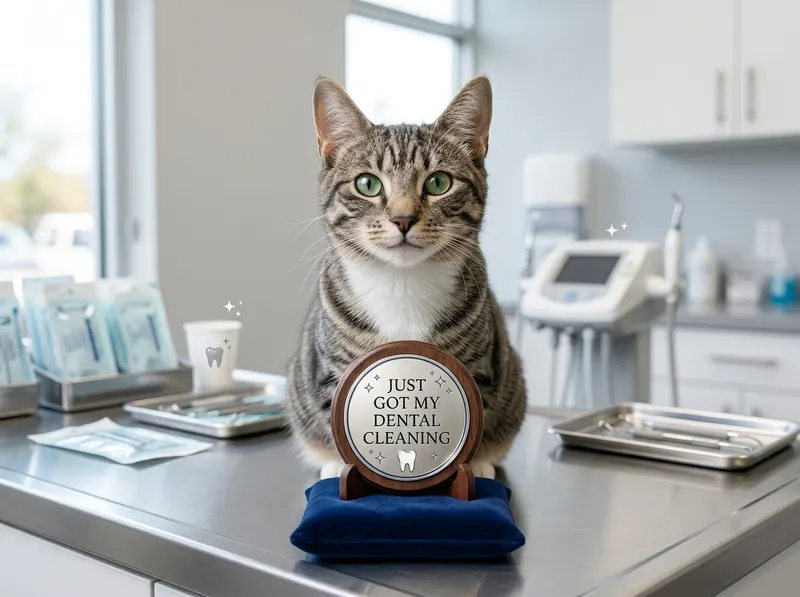
Celebrate dental visits and promote dental health.
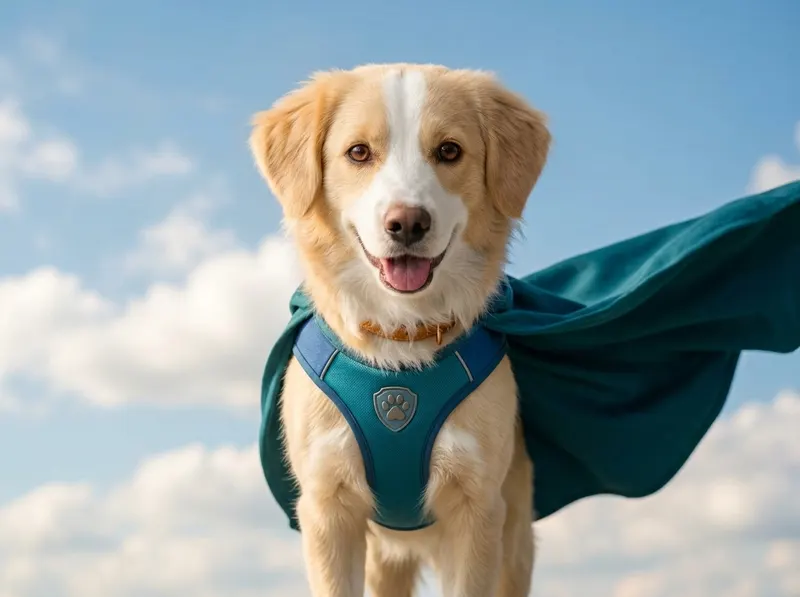
Cape and costume for a brave pet after an appointment.
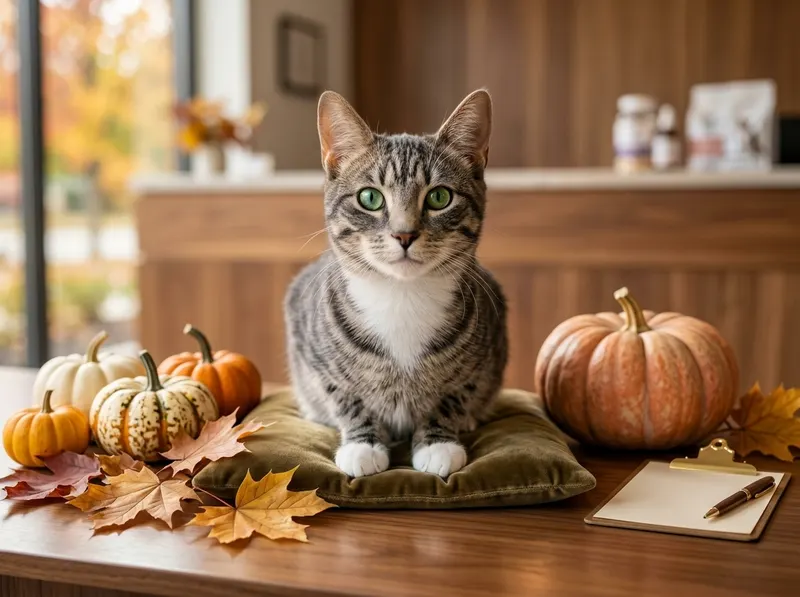
Pumpkins and golden leaves for any autumn visit.
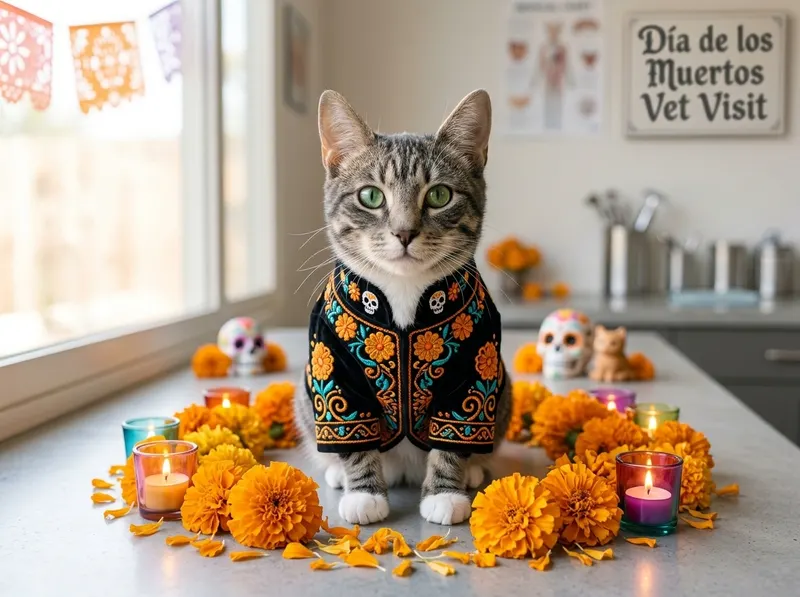
Marigolds and embroidery, joyful and respectful.
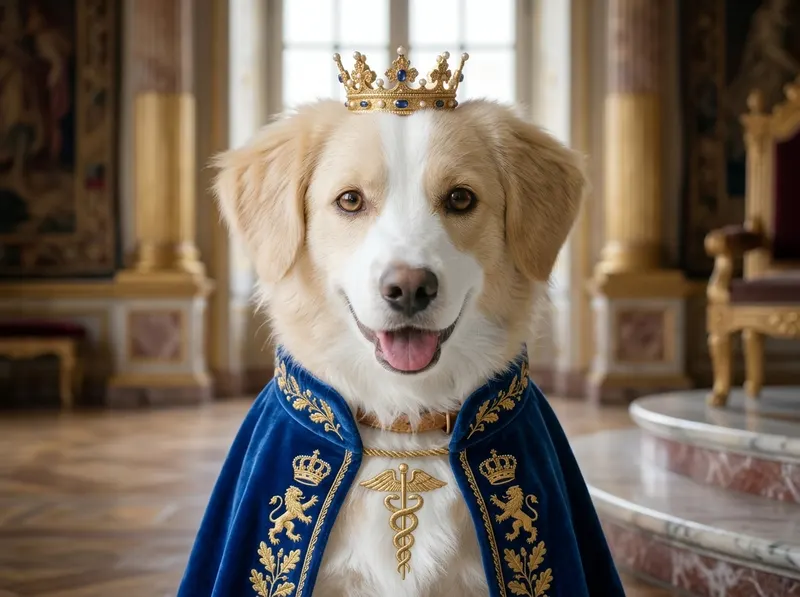
A regal portrait fit for the palace.
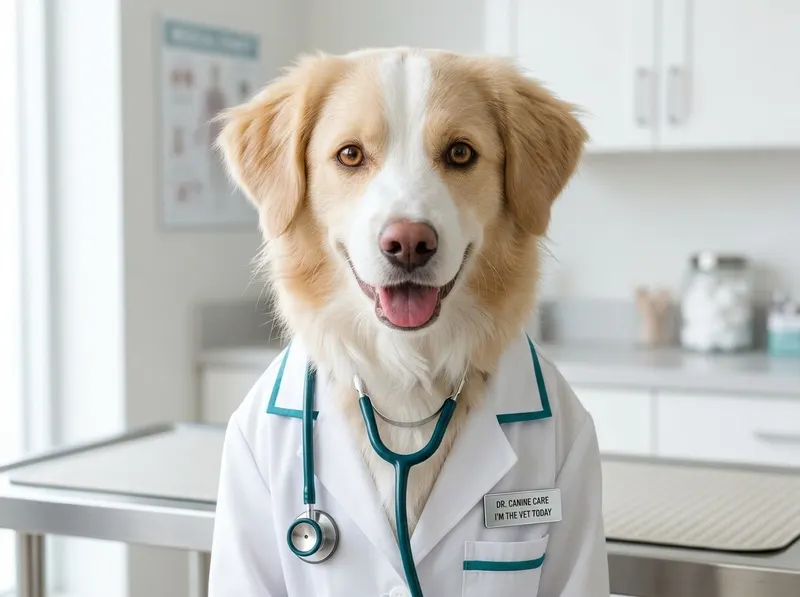
White coat and stethoscope: the patient runs the clinic.
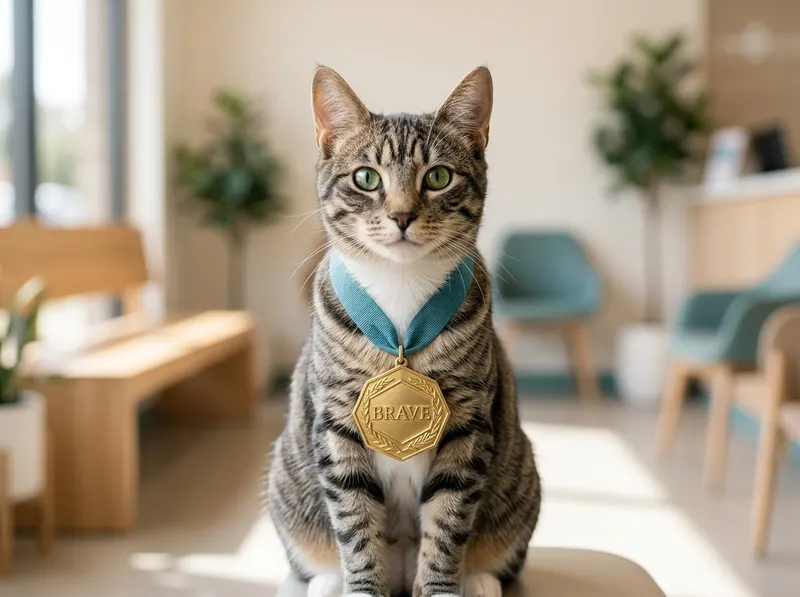
A bravery medal for every courageous patient.
Pet identity preservation
The AI changes the theme, outfit, background and decorations, not the pet. Face, fur patterns, markings and body proportions stay true, so every owner instantly recognizes their own dog or cat.
Permission & privacy
Clear pet-owner permission before any image is used for social media or clinic marketing, plus veterinary privacy safeguards on every update and keepsake.
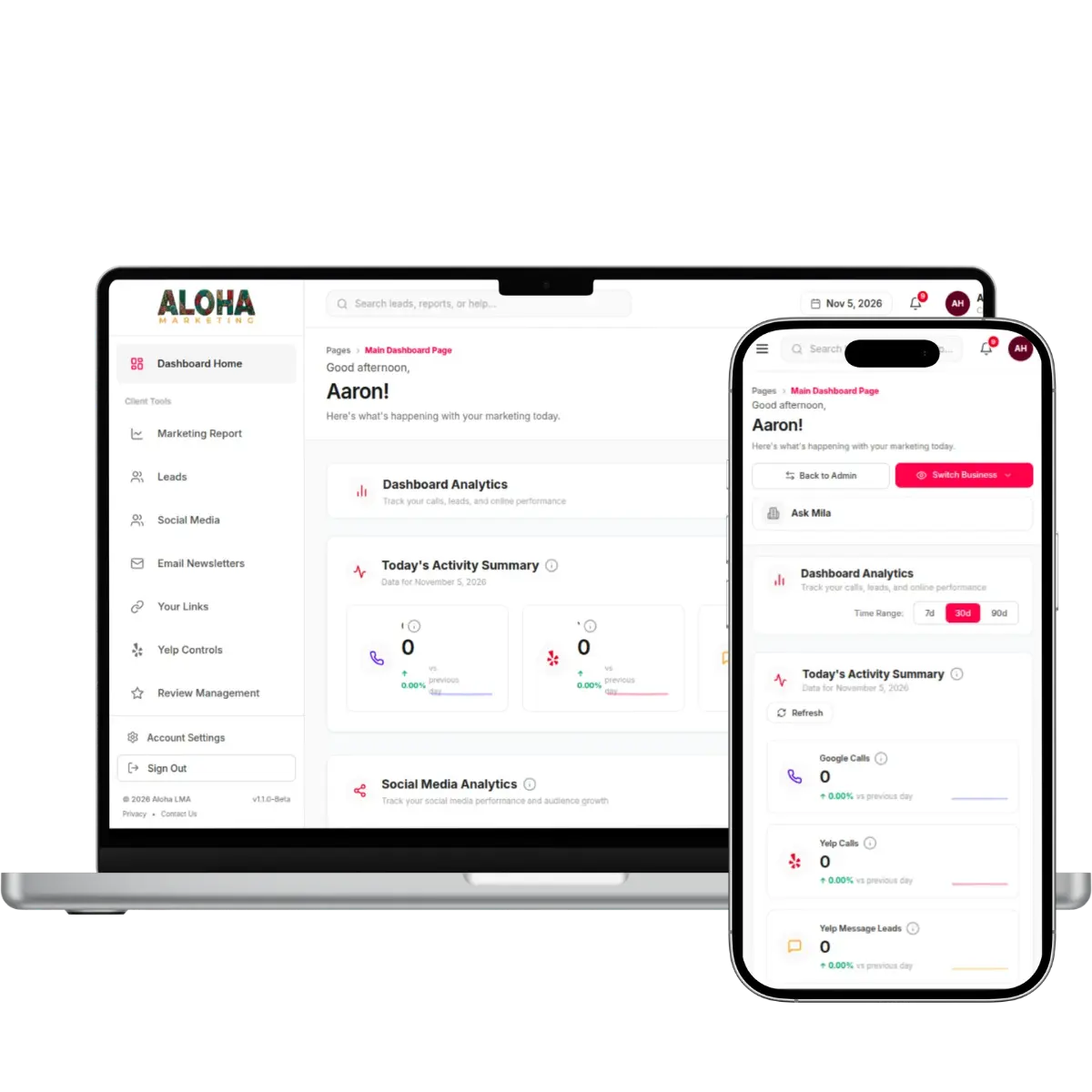
Every keepsake and update flows into the same Aloha app and dashboard you already use, so you can see what everyday visits turn into.
Available data depends on your connected services. Dashboard figures shown are illustrative.
No. For each update, staff choose: send the photo exactly as taken, or an AI version with a calm, branded background.
No. Every client gets the same optional invitation to share honest feedback on Google or Yelp. We never filter by rating.
Yes, when the pet owner has given permission. Consent is captured in the app before anything is used for marketing.
It shouldn’t. The AI is built to preserve each pet’s face, fur patterns and proportions while changing only the theme and background.
Plans depend on your practice size and the services you add. Book a demo and we’ll walk you through the options for your clinic.
See Aloha Pets with your own clinic’s branding in a personal walkthrough from the Aloha team.